सस्ता सौदाFirst Bagri Len den App
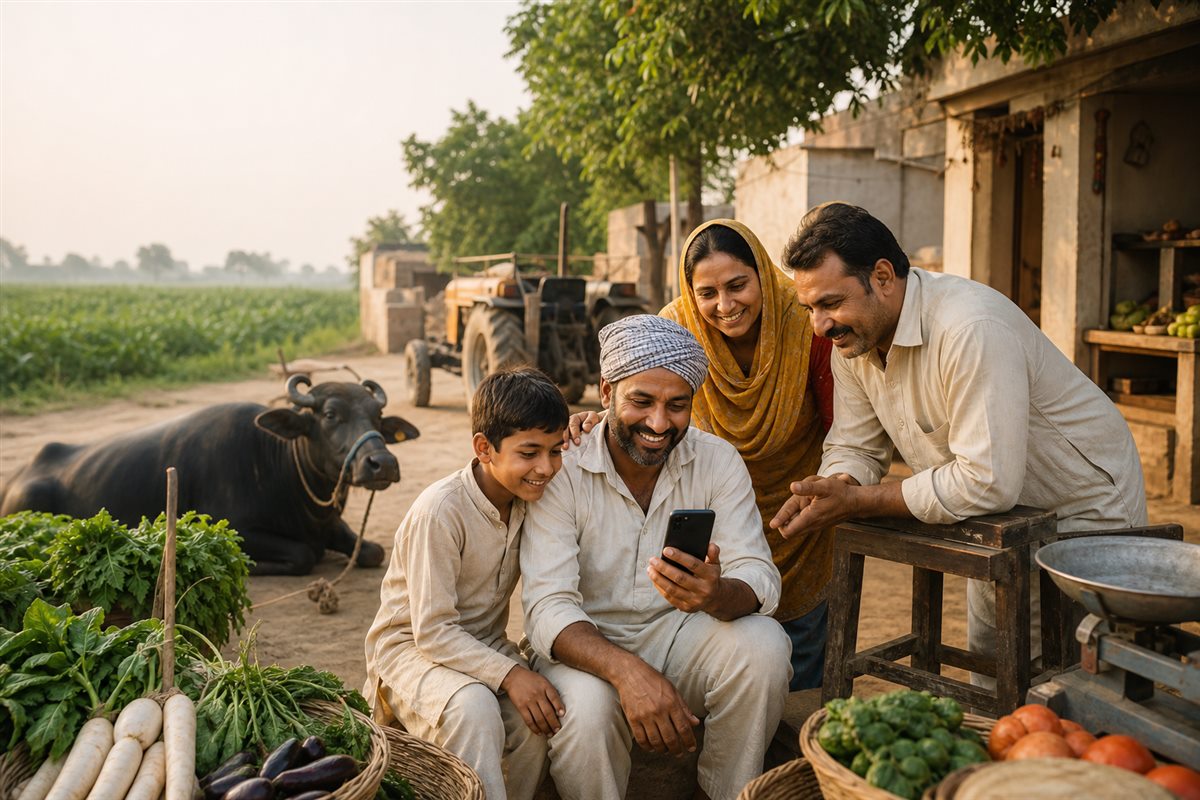
Village family using Sasta Sauda on a phone
JANDWALA HANWANTA

Your village market. One tap away.

Buy · Sell · Rent · Request

✓ Signed✓ Local✓ Bagri
CHOOSE YOUR PHONE

Install in 3 steps

🤖

Android

Signed APK

  1. DownloadTap APK
  2. OpenAllow if asked
  3. InstallTap Install
⬇ Download Android App

No APK? Open in Chrome → ⋮ → Install app
🍎

iPhone

Use Safari

  1. SafariOpen link
  2. Share ↑Tap Share
  3. AddHome Screen
Open in Safari

Share ↑ → Add to Home Screen → Add

EASY HELP

Tap a guide to open

🤖Install APK on AndroidDownload → Allow → Install
  1. Tap Download Android App on this page.
  2. After downloading, open Sasta-Sauda-v1.0.apk from the notification or Downloads folder.
  3. If a warning appears, continue only when the file came from this official page.
  4. If blocked, open Settings and turn on Allow from this source for Chrome.
  5. Tap Install → Open. Afterwards, turn “Allow from this source” off again.
🍎Install on iPhoneSafari → Share → Home Screen
  1. Open sasta-sauda.pages.dev in Safari—not inside WhatsApp.
  2. Tap the Share ↑ button at the bottom of Safari.
  3. Scroll down and tap Add to Home Screen.
  4. Turn on Open as Web App, if shown, then tap Add.
👤Create your profileIndividual or Vendor
IndividualBuy or sell your own items.
VendorShow many products in your shop.
  1. Open the app and tap Profile at the bottom.
  2. Choose Individual or Vendor.
  3. Enter your name, village, address and mobile number.
  4. Tap Submit profile. The profile will show Pending approval.
  5. After admin approval, you can list products. An approved vendor’s shop appears in Village Shops.

⏳ Profile approval is required only once. Please wait for the admin.
📸Sell a productPhoto → Details → Approval
  1. After profile approval, tap Sell Now or the middle Sell button.
  2. Individual: add 1–2 photos, title, description, category, sale/rent/exchange/request, price, dates, village and GPS.
  3. Vendor: add photo, title, description, category and price. Use Add another item for more products.
  4. Check the information and tap Submit.
  5. The product shows Pending approval and becomes public only after admin approval.
🛒Use the appSearch → Open → Contact
  1. On Home, browse nearby items, categories, advertisements and Village Shops.
  2. Use Search to find an item, service or vendor.
  3. Tap an item to see photos, price, seller, village and GPS distance.
  4. Tap Call or WhatsApp and confirm the product before paying.
  5. Use Save for later. Use Report for suspicious listings and Feedback to tell us your experience.
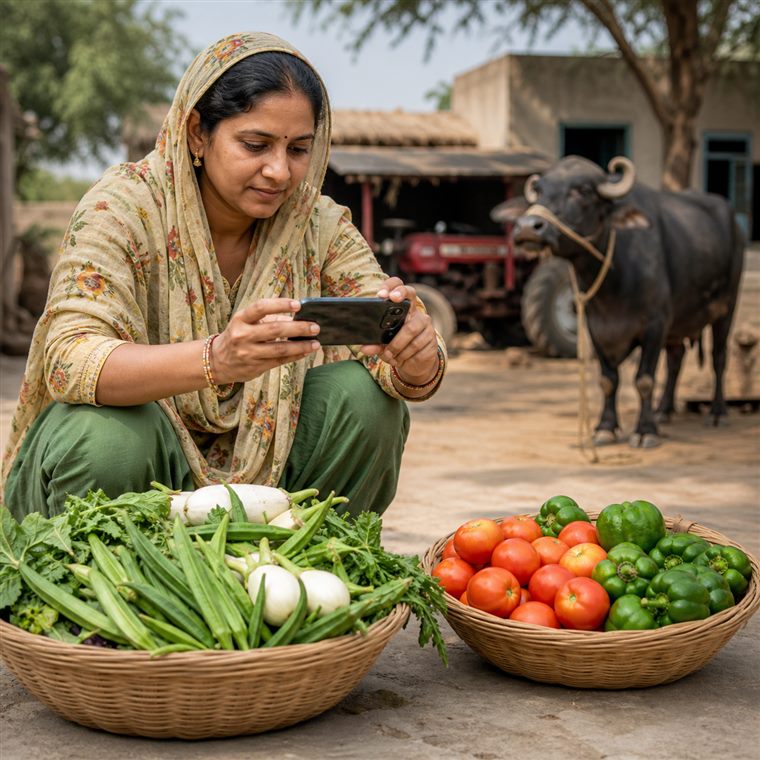
Village seller photographing fresh vegetables
Photo लगाओ. Price लिखो. Deal करो. EASY
📍Nearby deals
📞Direct contact
🌾Village first

⚠ Download the APK only from sasta-sauda.pages.dev

Verify signed APK

SHA-256: C13B59D0A58B044F7E552FF67554B32413A78BC5B62DE854AB0062A6168ECE5F